
Scan them in, and keep the queue moving
Every Pevent ticket carries a QR code. Point the free Check-in app at it and you know in a second whether that guest gets in — who they are, what they bought, and whether the code has already been used.
Free, no extra account. Works on any phone your door team already owns.
How checking in works
From the credentials in your inbox to the first guest through the door.
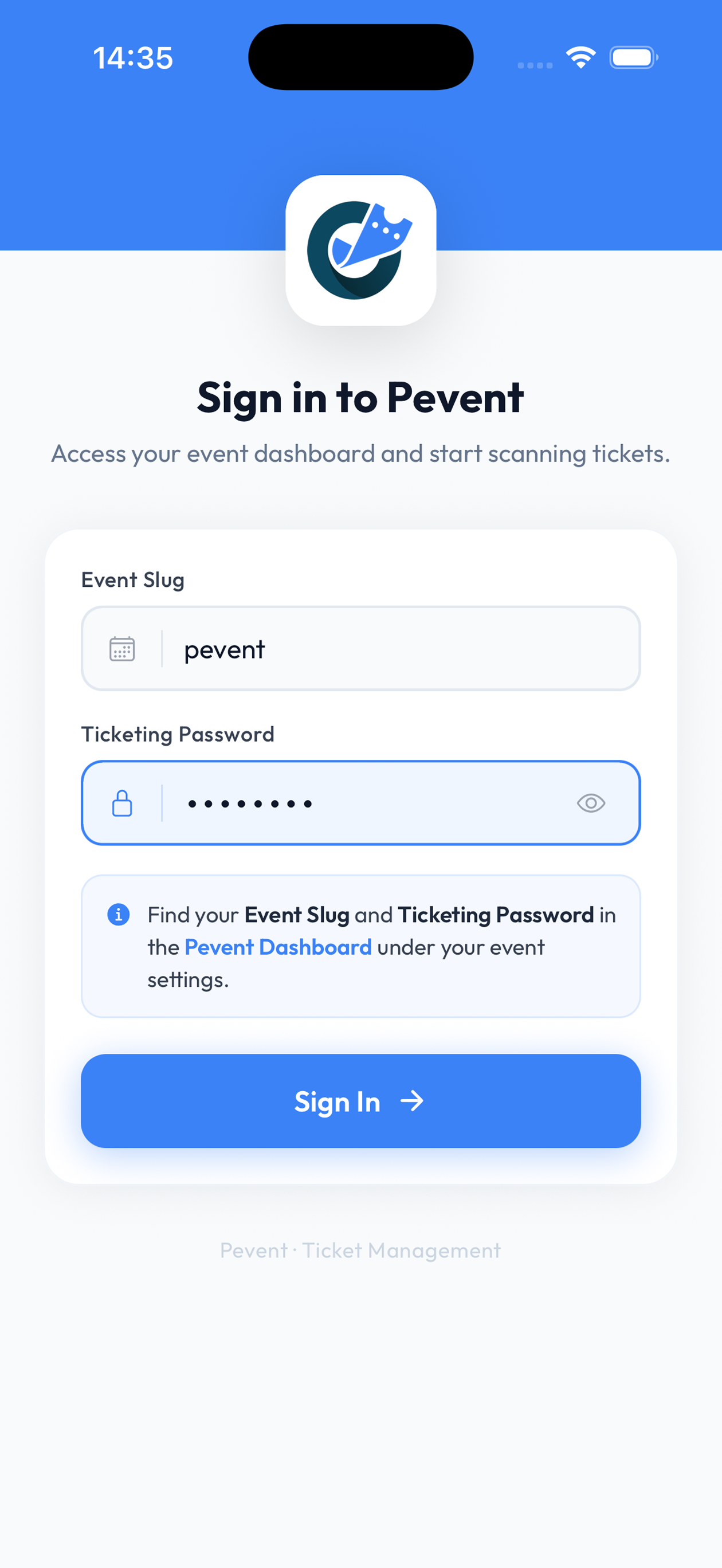
Sign in with the event, not your account
Open the app and enter your event slug and ticketing password — both are in the email we sent when you created the event, and on your event settings in the dashboard. Your door team never touches your Pevent account, and never sees your sales or your balance.
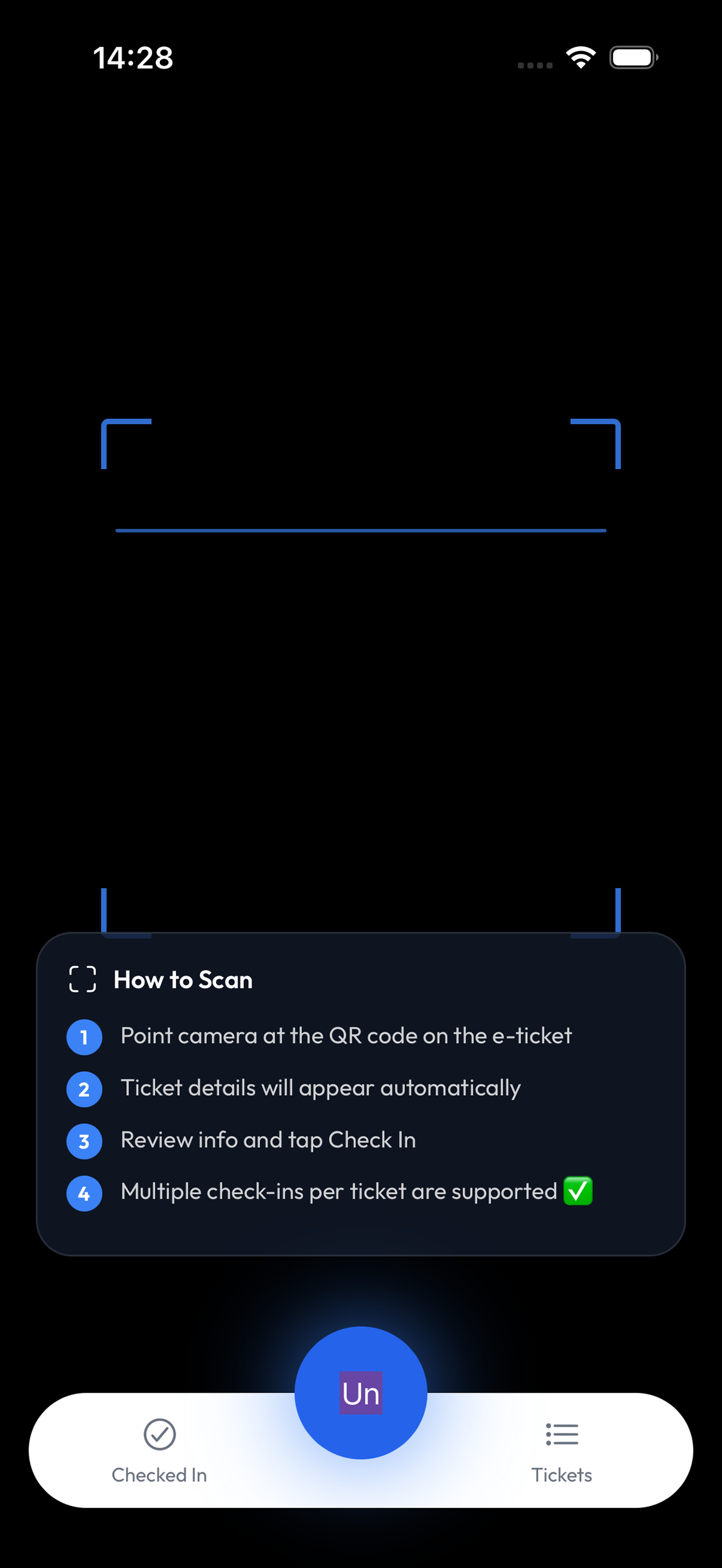
Point the camera at their QR code
Ticket details come up on their own. Check the name and ticket type, tap Check In, and they are through. The app walks a first-time user through it on screen.
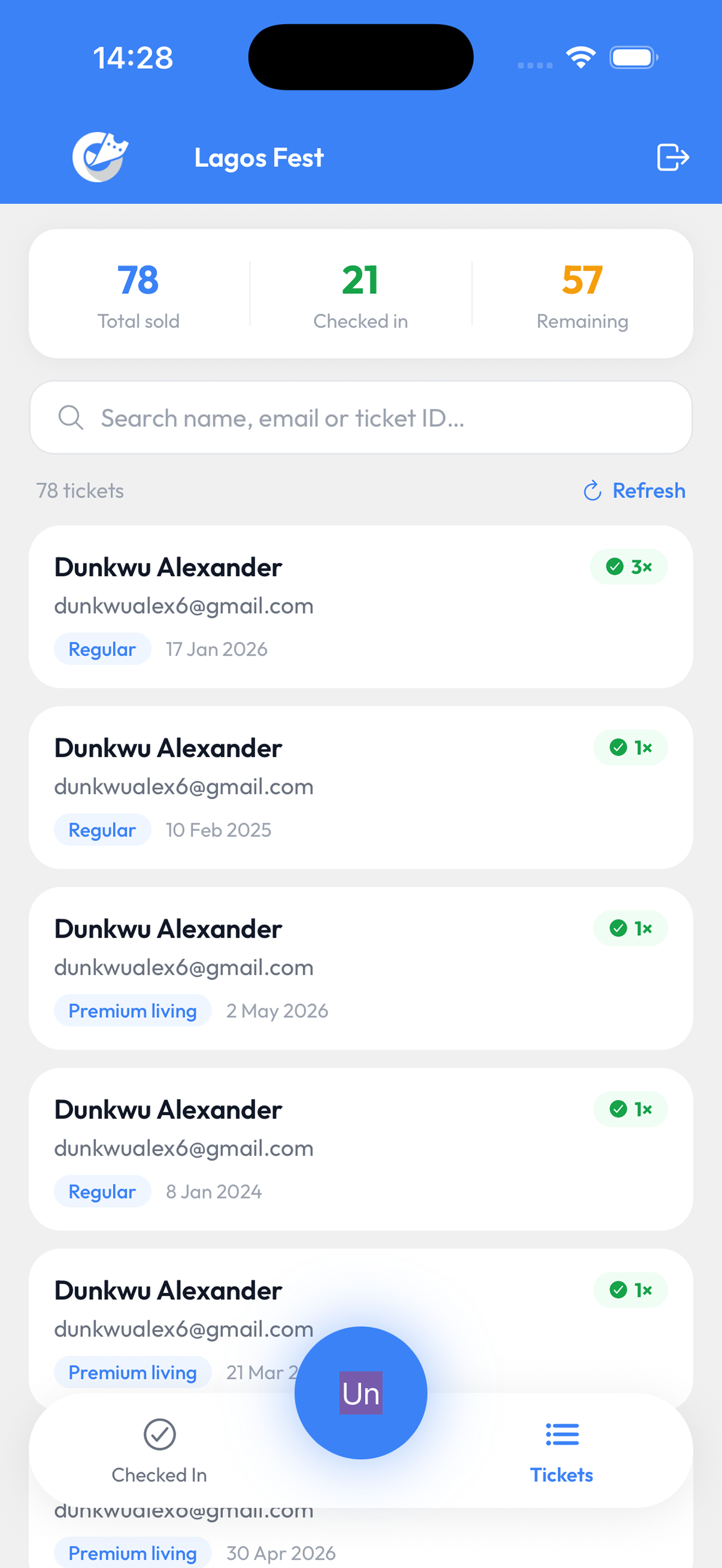
Or find them on the list
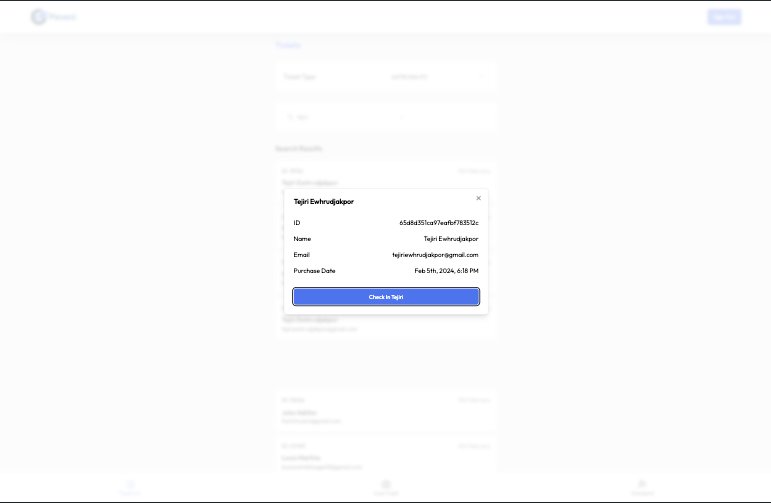
Search by name, email or ticket ID. Useful when a phone is dead, an email went missing, or someone is holding up the queue — you do not need their QR code to let them in.
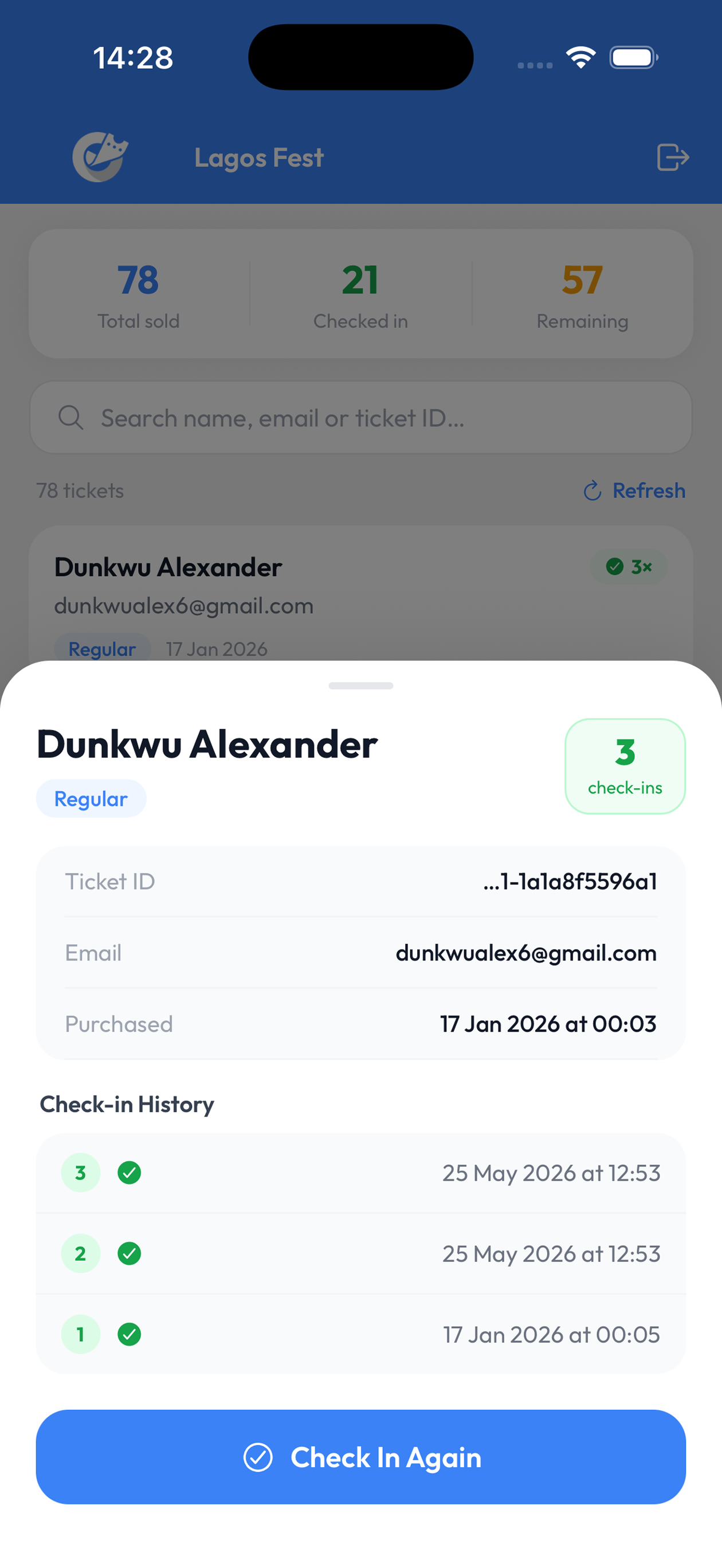
See every scan on a ticket
Open any guest to see their ticket ID, when they bought, and every check-in with its timestamp. If they step outside and come back, Check In Again records the re-entry rather than refusing it.
Watch the room fill up
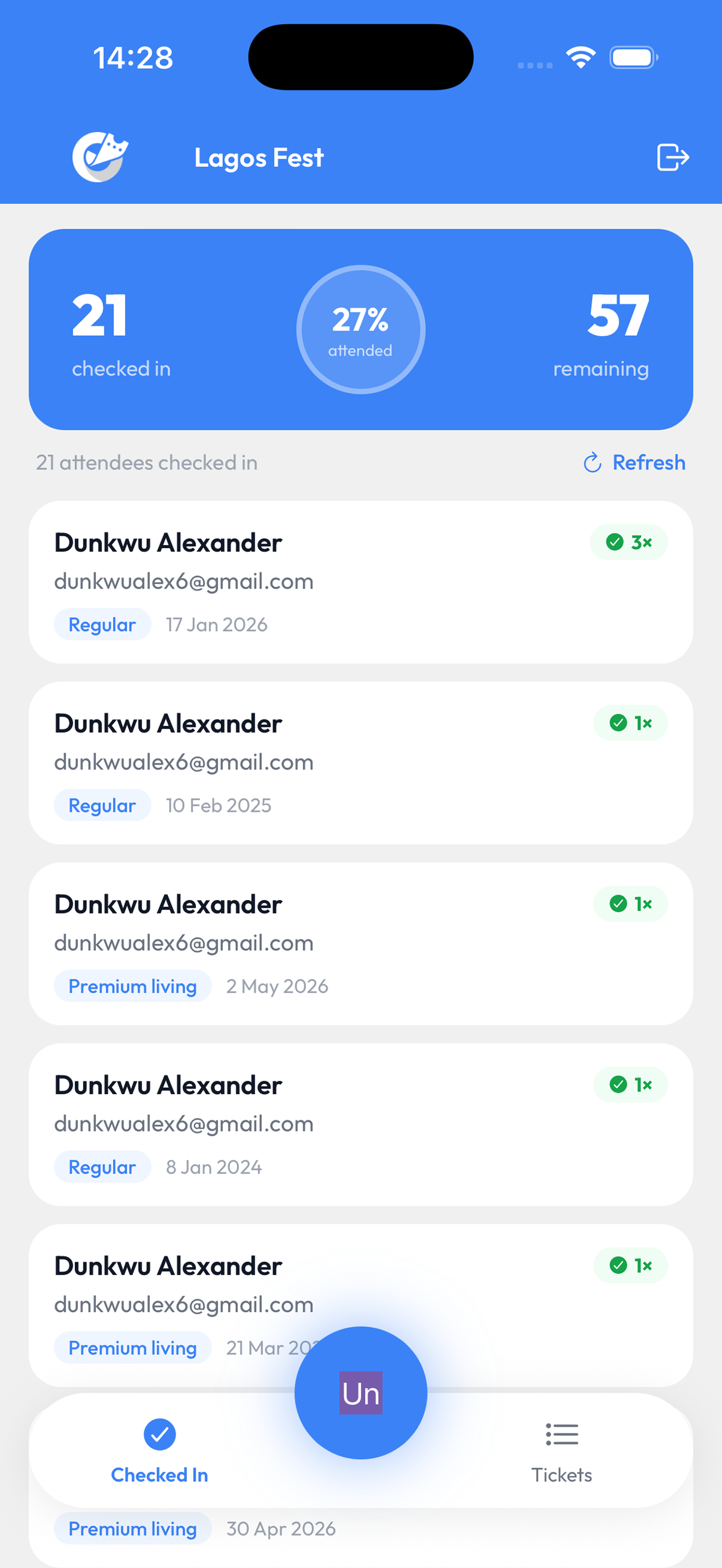
Checked in, remaining, and the share of your guests who have actually turned up — live, on every phone scanning. Everyone sees the same numbers.
Already handled
Re-entry is recorded, not refused
A ticket can be checked in more than once, on purpose. Every scan is timestamped, so you see at a glance that this is their third entry — and decide, rather than the app deciding for you.
Nobody is stuck at the door
Phone dead? Email deleted? Search by name, email or ticket ID and check them in by hand. Their QR code does not need to be in front of you.
Live totals on every phone
Sold, checked in, remaining, and the share who have turned up. The same numbers on every device scanning, updating as the queue moves.
Two doors, one list
Every scan lands in the same place, so a second entrance always sees what the first one already did.
Re-entry is recorded, not refused
A ticket can be checked in more than once, on purpose. Every scan is timestamped, so you see at a glance that this is their third entry — and decide, rather than the app deciding for you.
Nobody is stuck at the door
Phone dead? Email deleted? Search by name, email or ticket ID and check them in by hand. Their QR code does not need to be in front of you.
Live totals on every phone
Sold, checked in, remaining, and the share who have turned up. The same numbers on every device scanning, updating as the queue moves.
Two doors, one list
Every scan lands in the same place, so a second entrance always sees what the first one already did.
Or check in from a browser
Open pevent.co/checkin/scan on a laptop, tablet or any phone, and sign in with the same event slug and password. Same scanner, same guest list — handy for a registration desk, or when someone's phone has no space left to install anything.
Before the doors open
Put the scanner in your pocket
Install it, sign in with your event slug and password, and you are ready for the first guest. It takes about a minute.
Not running an event yet? Create one free

